New picture makers. Your ideas, made here.
Burritt AI Studio creates photos, artwork, labeled diagrams and posters on your own computer. Edit an existing photograph by describing the change. No cloud service or dedicated graphics card is required.
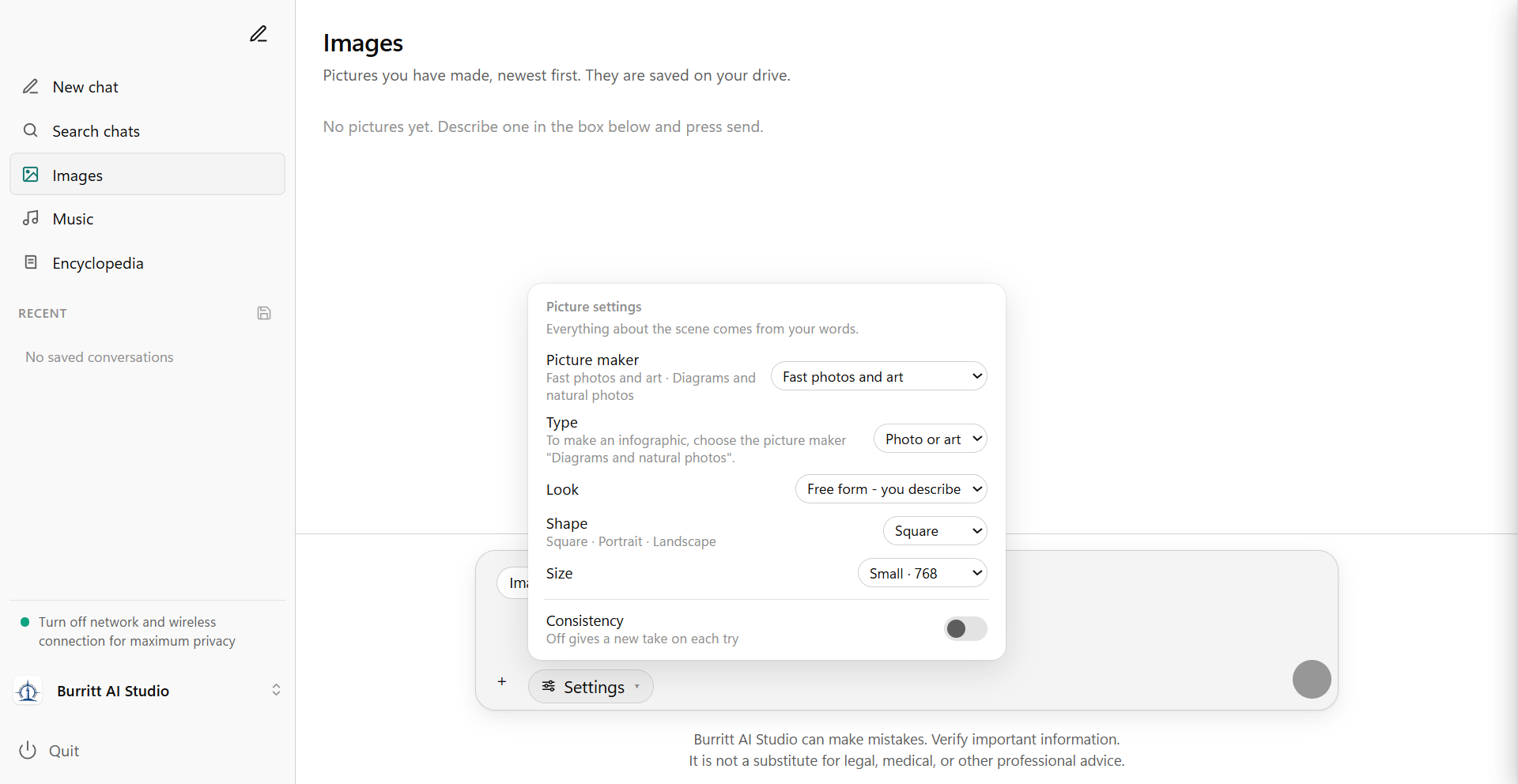
Choose the picture maker for your idea.
Fast photos and art
The starting choice for everyday pictures. Make portraits, watercolors, 3D scenes and anime from a description.
Diagrams and natural photos
Create labeled diagrams, educational posters and natural-looking photographs. Use a layout when placement matters.
Attach a photo. Say what to change.
Describe the change
Try a different sofa color, a snowy setting or another detail. Studio works from the photo and the instruction you provide.
Choose the detail
Try an idea at Draft, then use Fast, Balanced or Best for a more detailed result.
Keep the original
The edited result is saved as a new picture on the drive. Your original file is kept.
One photo. A new idea.
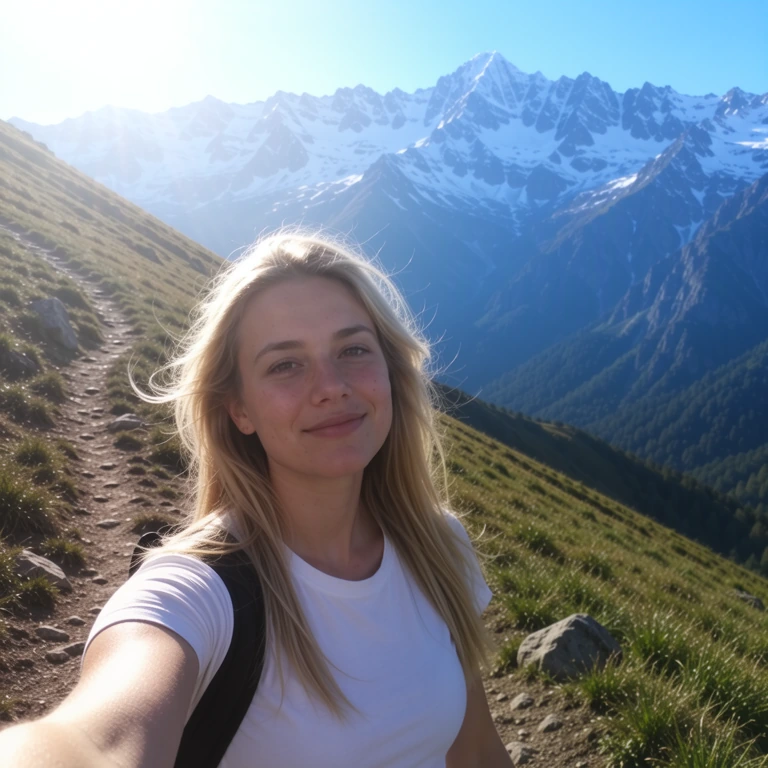
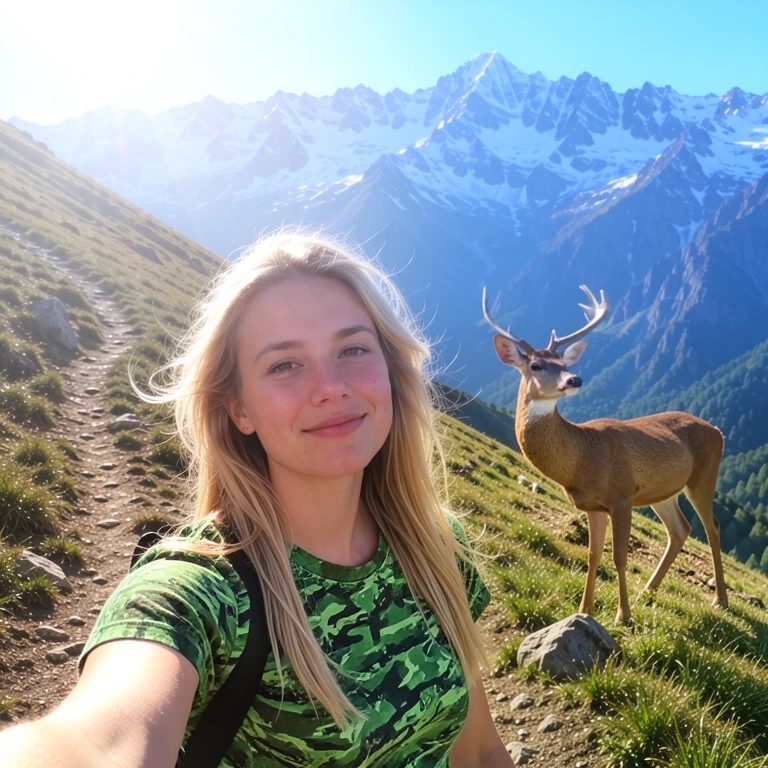
The original selfie was attached in Studio with one instruction: “change the shirt to green camouflage and add a deer in the background facing the girl”.
A few choices, plenty of possibilities.
| Picture maker | Fast photos and art, or Diagrams and natural photos |
|---|---|
| Type | Photo or art, or Infographic with Diagrams and natural photos |
| Look | Free form, Photo, Storybook watercolor, 3D animation or Anime |
| Shape | Square, Portrait or Landscape |
| Size | Small (768), Medium (1024) or Large (2048), where supported by the computer and shape |
| Consistency | Leave it off for a new take each time. Turn it on to repeat the same setup while refining your description. |
Give your ideas a place on the page.
Describe a labeled poster in ordinary words, or give Diagrams and natural photos a layout that says where the labels and objects belong. The built-in Help includes example layouts and a request you can give the AI to help write one. Check lettering and details in the finished picture.
From words to pictures.
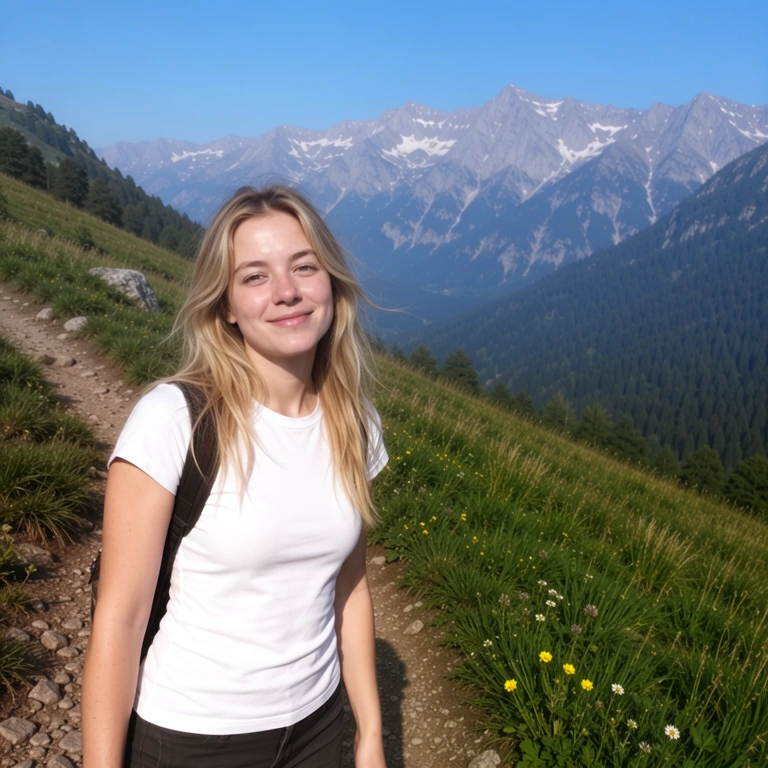
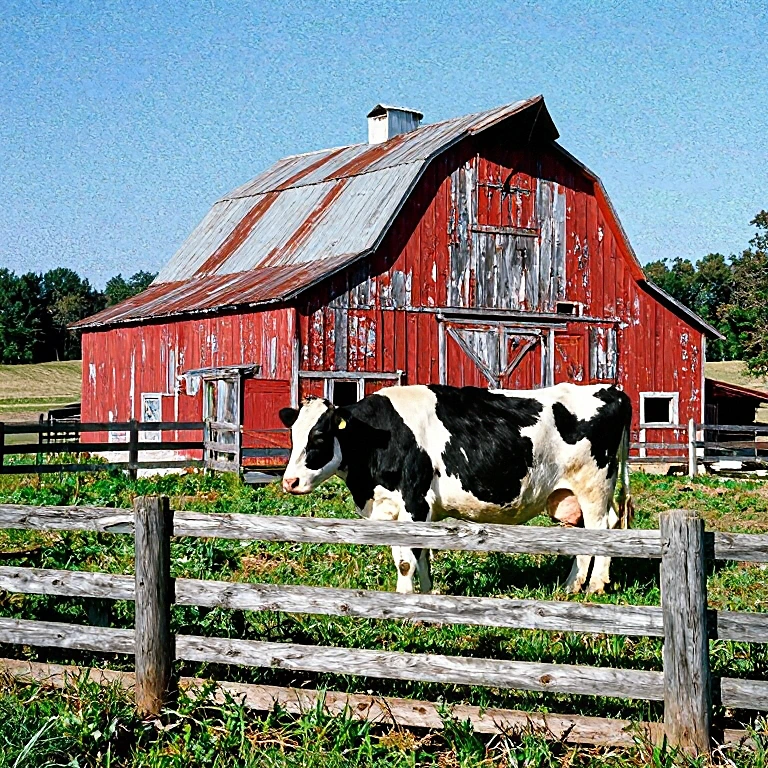
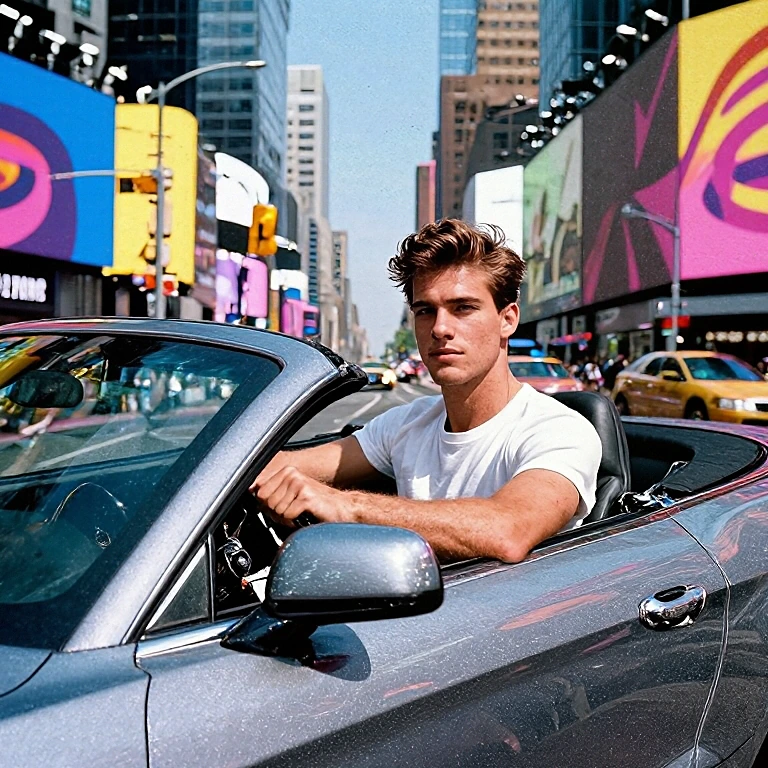
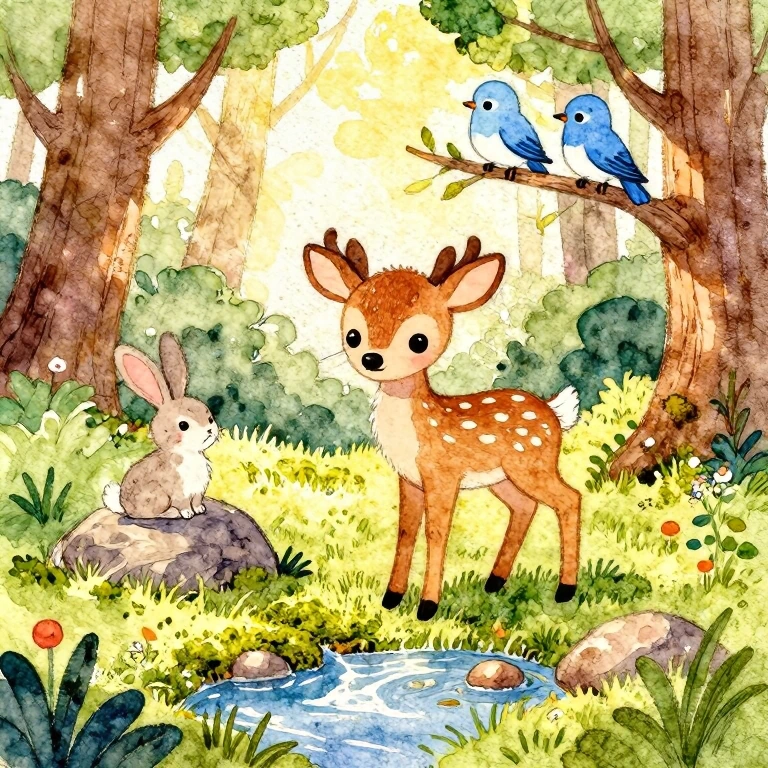
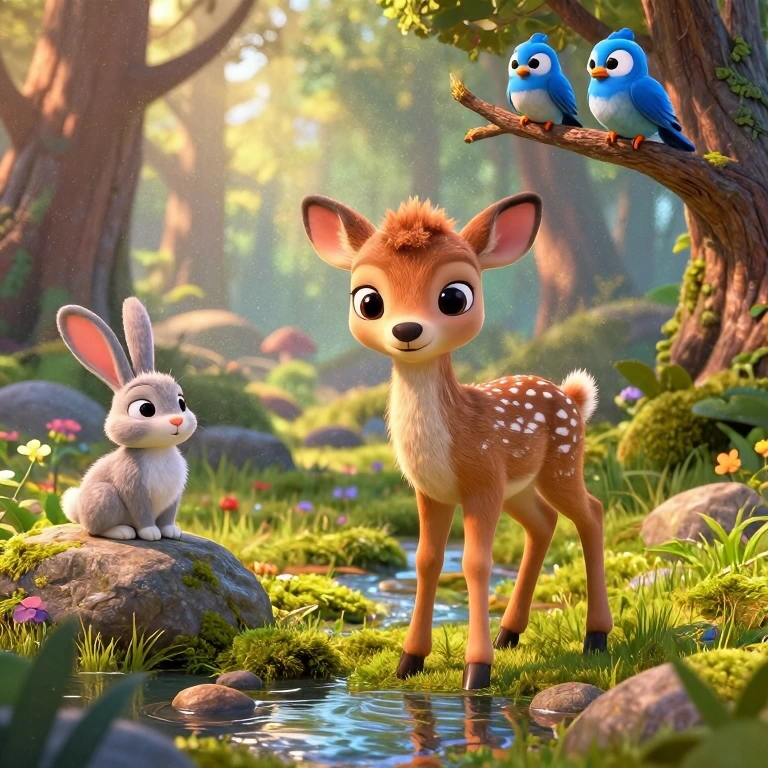

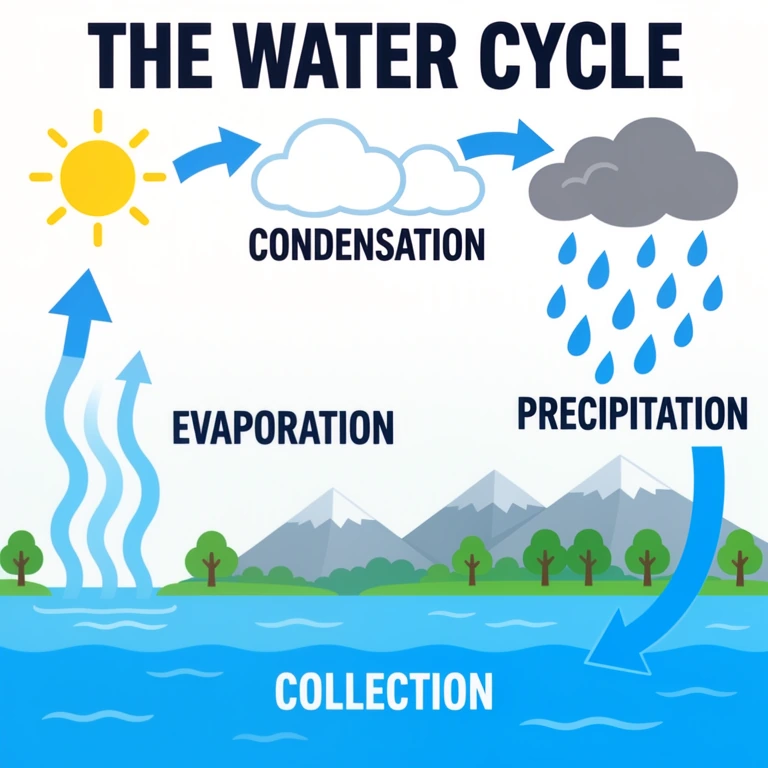
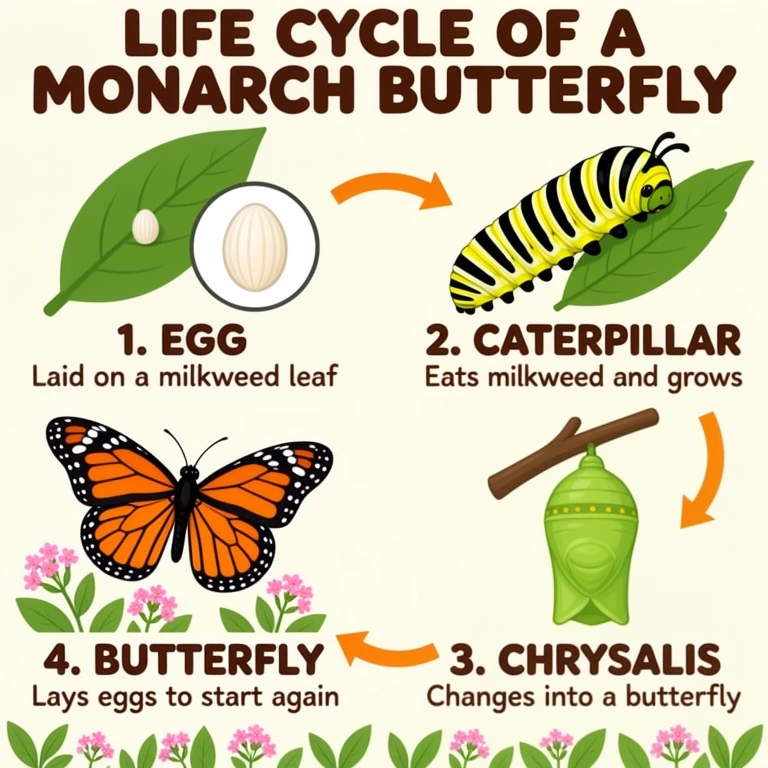
These pictures were made locally with Burritt AI Studio on an 8 GB MacBook Neo or an 8 GB Dell Latitude 7420.
Photos, diagrams and new directions.
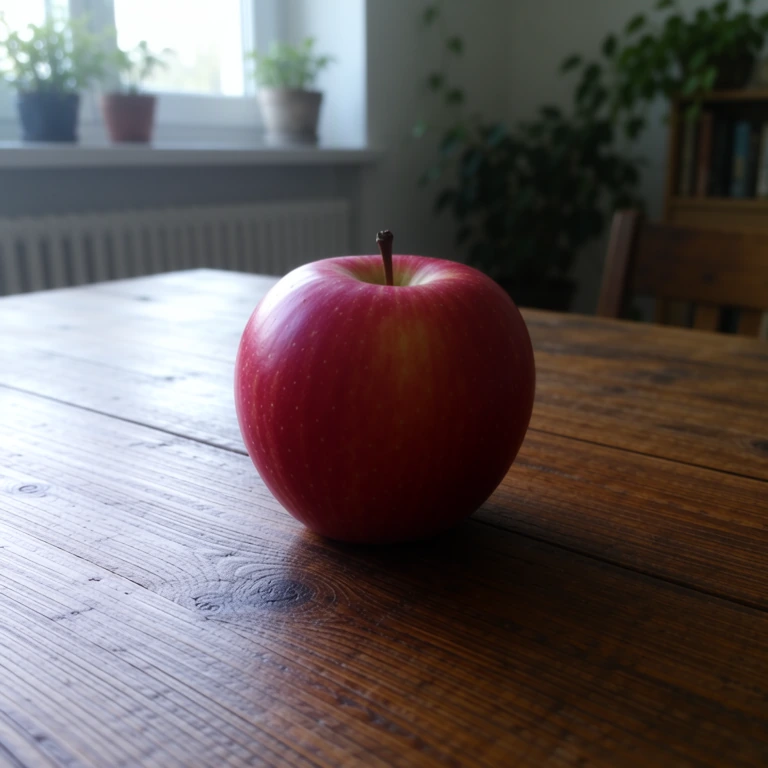
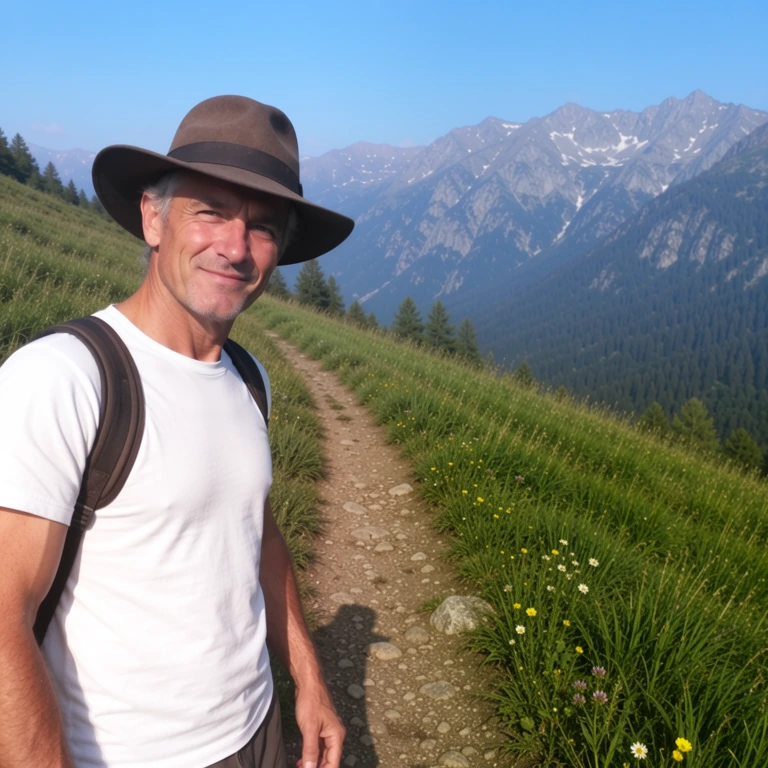
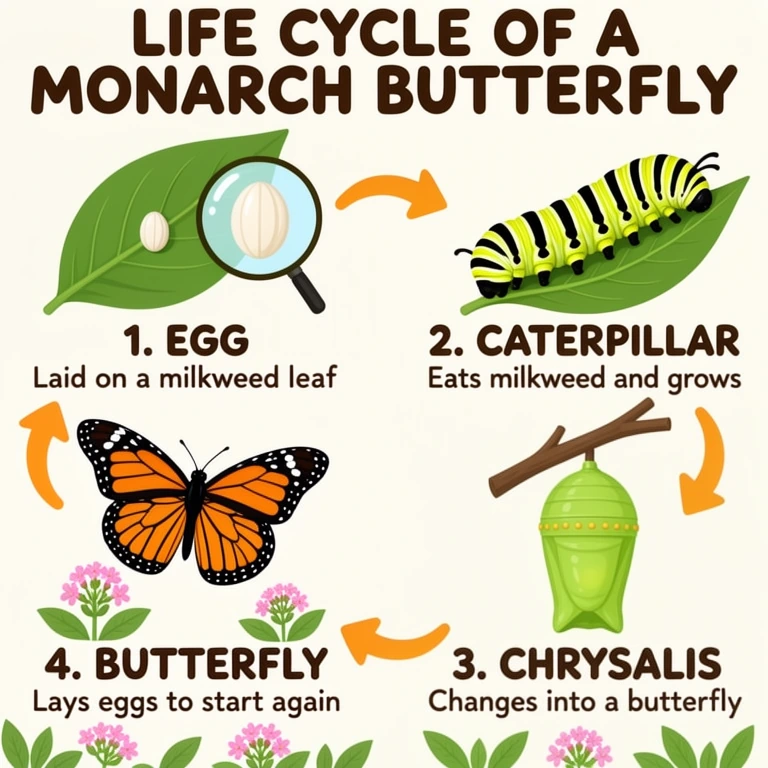
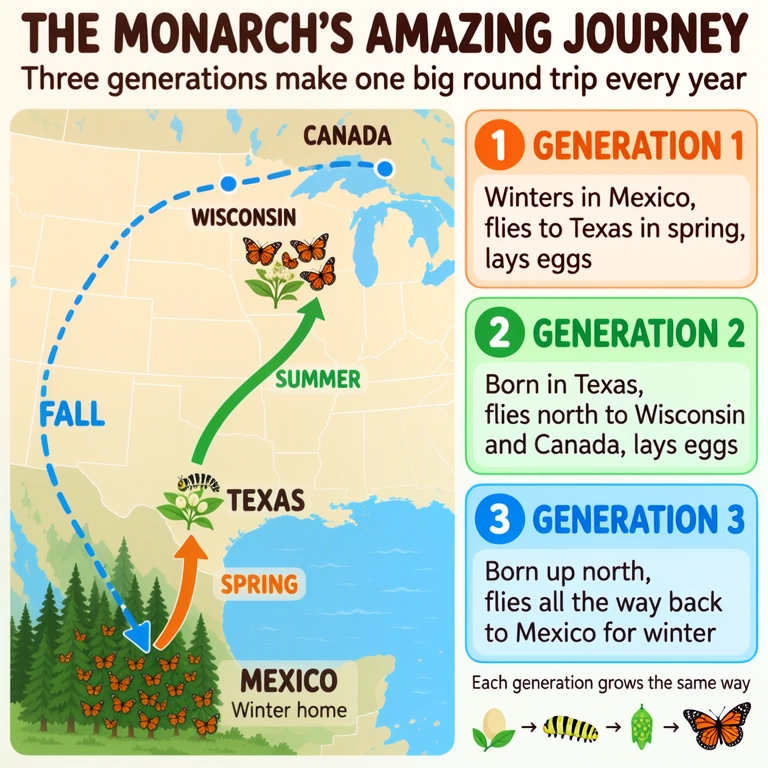
Local processing. Saved on the drive.
Use available graphics
Studio uses supported Apple, NVIDIA, Intel or AMD graphics, with processor-based rendering when needed.
Follow the progress
Watch the picture being drawn and finished. Studio adjusts its working memory for the computer and the picture.
Keep every result
Finished pictures and edits appear in Images and are saved on the drive as PNG files.
Everything on this page runs with the internet off.
Launch price $59 for the first 100 customers, then $118.$118. Plus $11.00 shipping. 14-day money-back guarantee. Ships in 7 to 10 days.