The original image-engine tests
In my earlier-release tests, Burritt AI Studio generated a standard-quality 768×768 image in about 4½ minutes on an 8GB MacBook Neo. An 8GB Dell Latitude 7420 took about 5½ minutes. Both ran locally, with model files on their internal SSDs. Neither needed a dedicated graphics card or a cloud service to generate the image.
The application and models arrive together on a USB drive. No account, application installation, manual model configuration, internet connection or downloads are required.
I am a 66-year-old solo developer in rural Wisconsin, and I built Studio myself.
For image creation and editing, I built proprietary optimizations that run separate image models within a small laptop’s memory budget. The 125-billion-parameter model is used for chat.
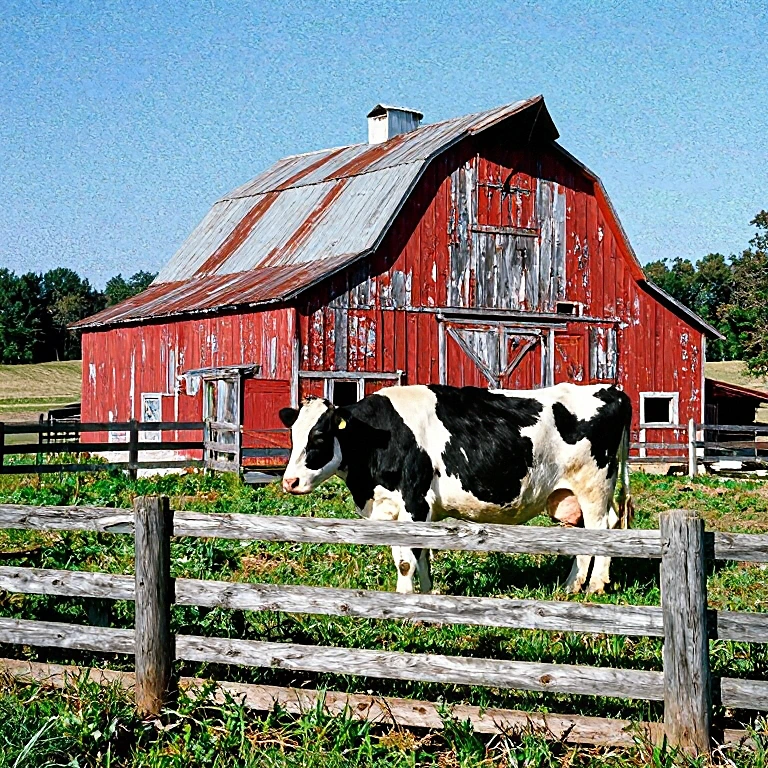
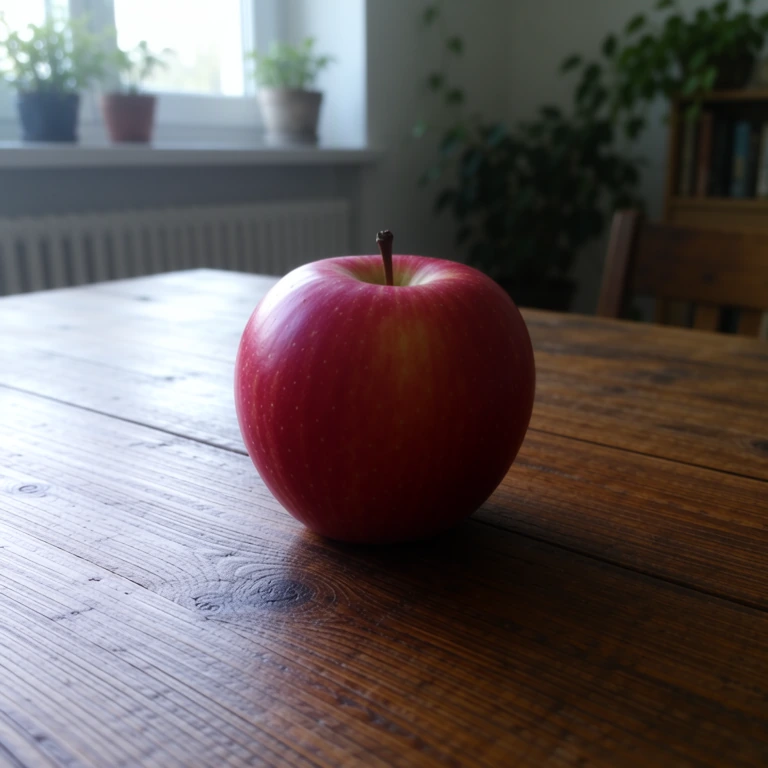
The current examples below were made on an 8 GB Dell Latitude 7420 with its Core i5 processor. The barn and cow and the apple are separate pictures from the current product run, each made locally at Small size (768 × 768).
Three current images from an 8 GB MacBook Neo
A photograph-style portrait, a 3D-animation scene and an anime illustration, made entirely offline on the 8 GB MacBook Neo. These current-run examples are Small size (768 × 768). Their individual rendering times are shown in the captions.
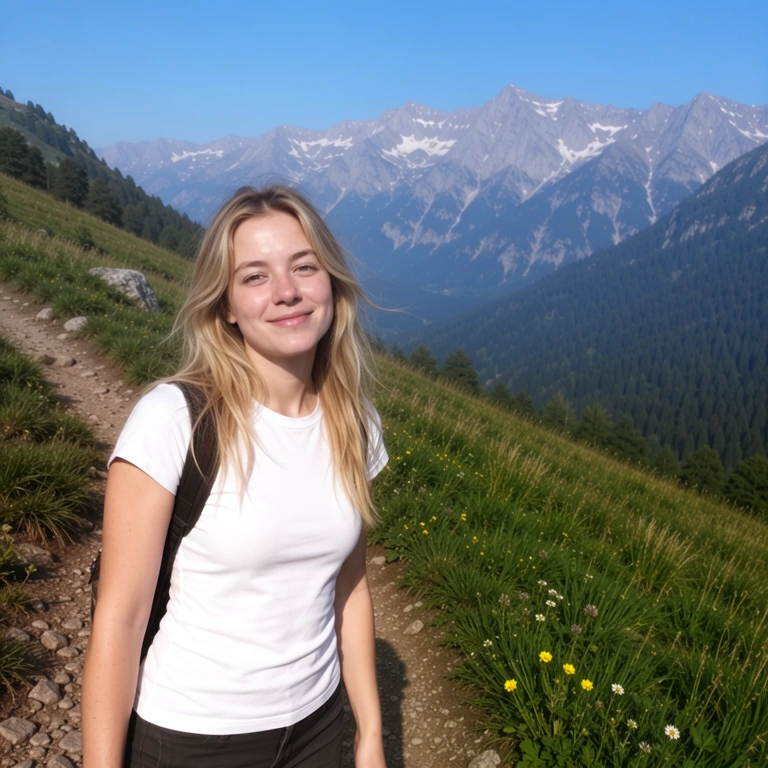


The new image times run from pressing Send until the picture appeared on screen. The first picture with a maker includes loading its engine from the USB drive. These are WebP copies of the actual PNG outputs.
The graphics hardware is already in the laptop
A separate graphics card has its own video memory. Integrated graphics share the computer’s RAM with the processor. That shared pool must also accommodate the operating system and the application, so using an 8GB laptop is a memory-management problem as much as a computing problem.
Make room for the work, one stage at a time
Image generation involves three major stages: a text encoder interprets the description, a diffusion model builds the image, and a decoder turns the result into pixels. Keeping every component loaded together consumes memory that a small computer cannot spare.
My engine schedules those stages, loads components when needed and releases them afterward. It plans what stays on the drive and where each stage runs. This reduces overlap between large components: peak memory follows the largest stage plus working memory and overhead, rather than the sum of every model loaded simultaneously.
A picture, one stage at a time
The text encoder prepares the prompt for image generation.
Load when needed · release afterwardThe diffusion model creates the internal image representation.
Stream weights on supported pathsThe decoder turns the result into the finished picture.
Release components no longer neededA standard 1024×1024 image used about 4GB of memory in my tests. For the higher-quality model, which produces 2K × 2K images, my engine streams a 6.6GB model file through memory in pieces instead of accumulating the whole file. In a separate higher-quality test on an 8GB Neo, it generated a picture using about 3GB, with roughly half the machine’s memory still free.
Those are separate measurements with different model paths and settings. They are not a fixed memory requirement for every image, resolution or computer.
Standard quality supports everyday images, labeled infographics and photo editing. A higher-quality option is available for photographic images.
Technical choices the user does not have to make
Studio detects the available hardware and selects a supported processing path automatically.
- Mac: use the Apple GPU, with model streaming for the higher-quality path.
- Windows with NVIDIA graphics: load the model onto the card when it fits, or stream it when it does not.
- Windows with usable Intel or AMD integrated graphics: use the GPU that shares the computer’s RAM.
- CPU fallback: use the processor when no supported GPU path is available.
Create and edit images using descriptions in plain language and simple menu selections. Models and runtimes are included. Users do not need to download models, build complex workflows or configure technical software.
Studio’s Faster Performance option copies model files from the supplied USB flash drive to a fast internal or external SSD.
Burritt AI Studio never connects to the internet or sends information to Burritt Center or any other online service. All AI processing happens locally on your computer, whether your computer is online or offline.
Measured results on ordinary computers
These are developer measurements for standard-quality 768×768 images. All three machines used integrated graphics.
Swipe the table to see every measurement.
| Computer | Model storage in test | Approximate time |
|---|---|---|
| MacBook Neo · 8GB RAM | Internal SSD | 4½ minutes |
| Dell Latitude 7420 · Core i5-1145G7 · 8GB RAM | Internal SSD | 5½ minutes |
| Dell Latitude 5430 · Core i5-1245U · 16GB RAM | USB drive | 6 minutes |
Finishing the image matters as much as starting it
Low-memory engineering also means handling pressure responsibly. On Windows, Studio monitors the operating system’s commit limit, which reflects the memory Windows can back with RAM and its page file. Low free RAM alone does not mean a render has failed. Paging can let it finish, although much more slowly.
Studio checks memory before higher-quality work and falls back to standard quality if necessary, telling the user. It stops cleanly before the monitored Windows memory limit is exhausted, lets progressing renders continue without an arbitrary timeout, and runs one heavy job at a time so chat, images and music do not compete for memory.
A private creative tool, ready when you need it
Studio is for nontechnical people who already use online AI and want a private option. A family can work with personal photos locally. A homeschooling parent can create an illustration or labeled diagram alongside readings, worksheets and lesson plans from Teacher mode. The same application includes chat, song creation, Research mode with a shipped 20GB proprietary knowledge database, and Teacher mode designed for homeschool parents and teachers. In a separate test, an 8GB Neo generated a three-minute song in Fast mode in about 4½ minutes.
I am a 66-year-old solo developer in rural Wisconsin. Since starting in software in 1976, my work has included aerospace real-time firmware design and development, performance optimization and global IT leadership. Studio applies that experience to a practical question: how much useful AI can we bring to the hardware people already own?
About these results
The engineering timings and memory observations in this article document the earlier September–October 2026 development tests. The image examples were replaced in October 2026 with current Burritt AI Studio product-run samples: the barn and apple on the 8 GB Dell Latitude 7420, and the portrait, 3D-animation scene and anime picture on the 8 GB MacBook Neo. Their captions report the new rendering times. These are developer measurements, not independent laboratory results.